
A plugin can't stop the show
Each plugin plays in its own process. If one crashes or falls behind, Joue restarts it, or switches it off and tells you. Everything else keeps playing.
Joue plays your show's sounds on a Mac, patch by patch through the book. Every plugin runs on its own, so if one fails, the rest of the show plays on.
Apple silicon, macOS 26 · 2 MB, with no sounds to download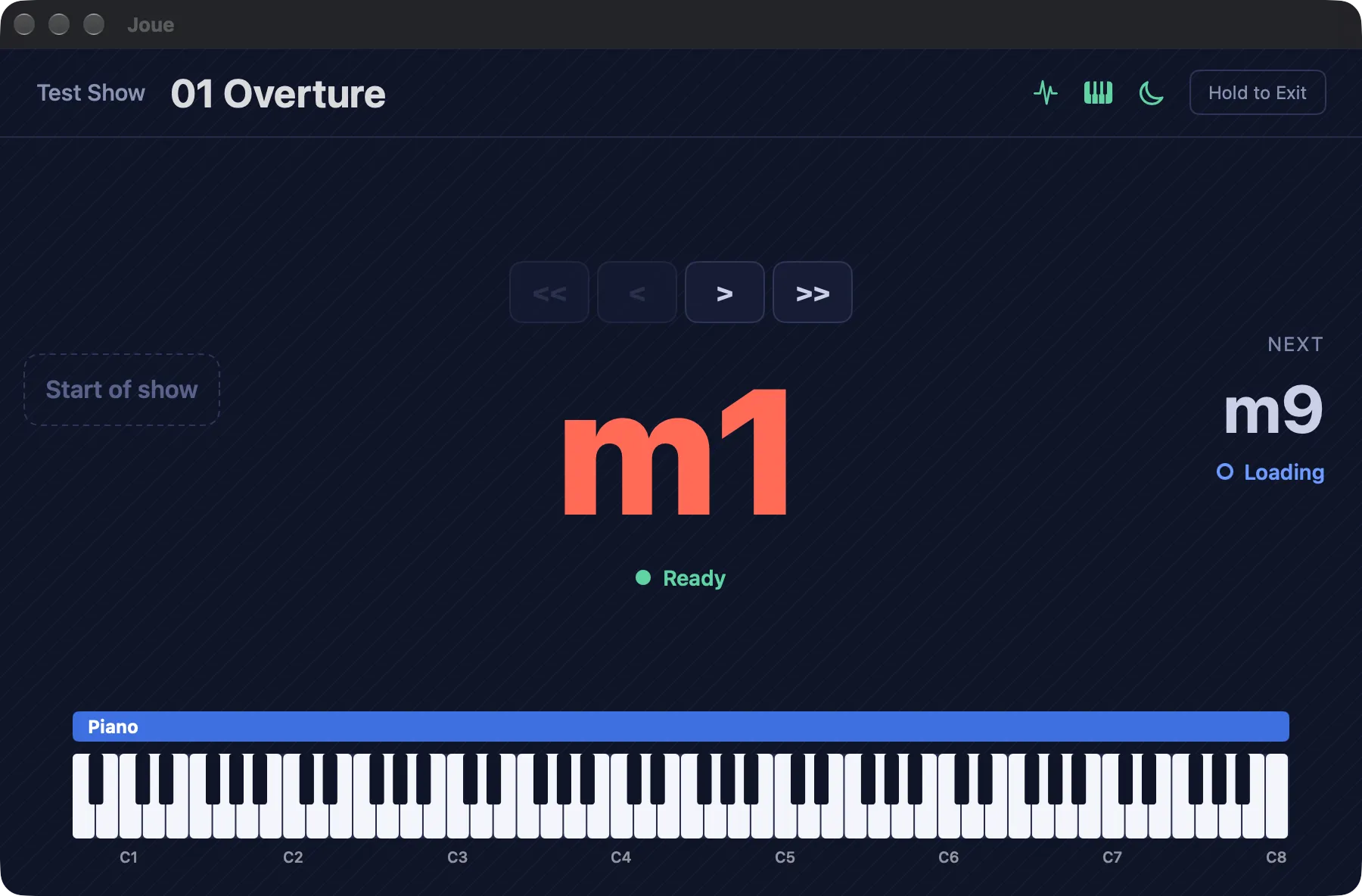
Each plugin plays in its own process. If one crashes or falls behind, Joue restarts it, or switches it off and tells you. Everything else keeps playing.
No clicks when the audio starts or stops, for the desk and the PA. Joue never makes you wait on a spinning cursor mid-number.
A show is one folder. Copy it to the backup Mac and it plays there too: each Mac keeps its own idea of which keyboard is which.
Patches are loaded ahead of your position, with older ones being unloaded to make room if necessary.
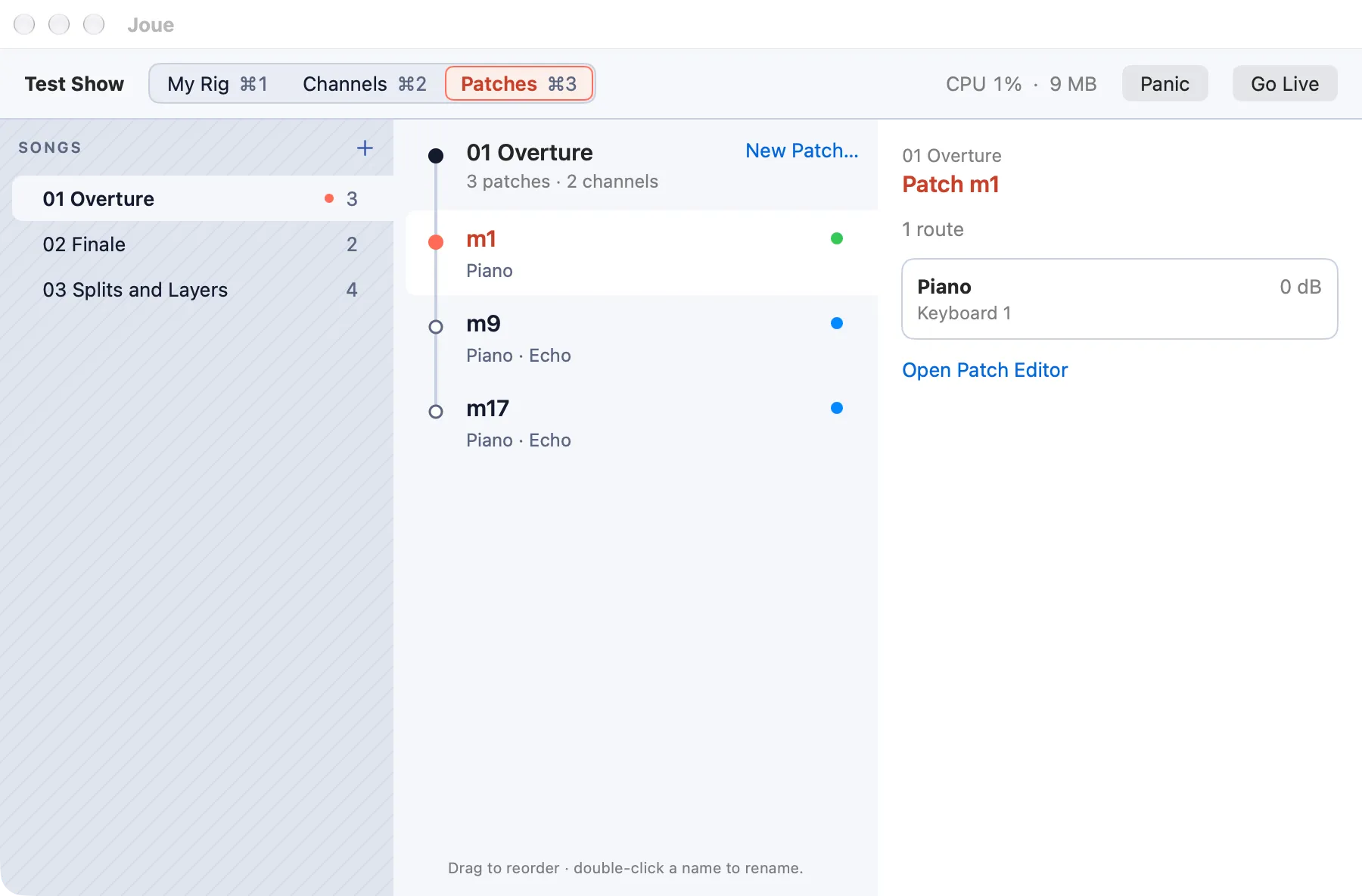
Songs, their patches, and each patch's routes, one step in from the last. Whatever you select is what you hear, so you build a patch with your hands on the keys.
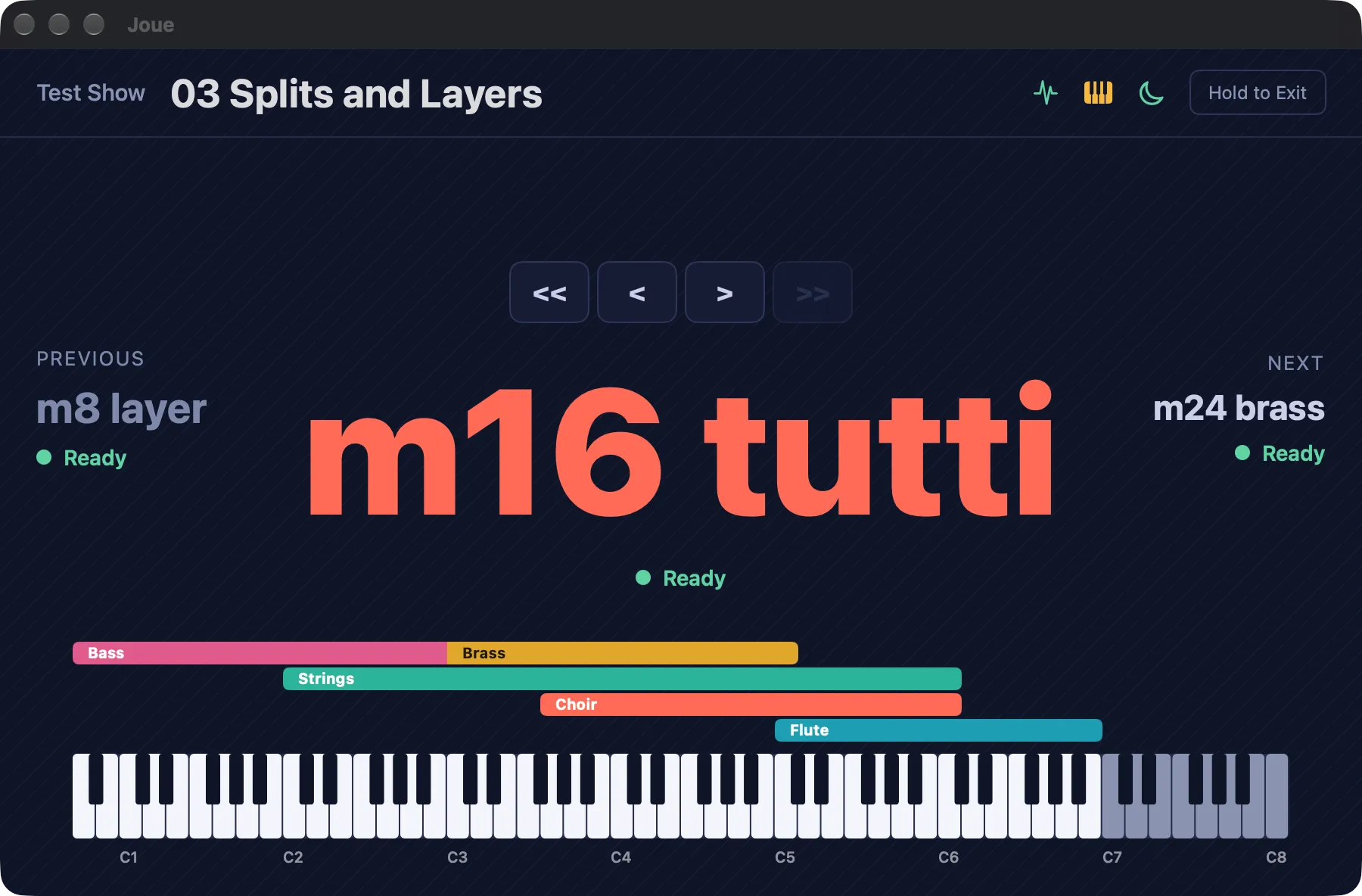
Bring your instruments: EXS instruments import, and every Audio Unit you own is there. Split a stacked instrument into separate channels in a click.
Read the guideJoue is free while it's in beta. Download it, then get in touch for a licence: it's only needed because beta builds expire.